Why do I feel like I ordered from Alice’s Restaurant?
Answer: It took longer than the song to order and I ended up having to send lots of pictures with circles and arrows.
Let me start by saying that I have 2 Uber accounts. One for myself and one for work which is on my phone. The reason for this is a long story and involves signing up to be a driver instead of requesting a ride one night.
I decided I needed some Taco Bell. I got my computer, opened Firefox and went to their website and saw that I could get a buy one get one free if I had it delivered with Uber Eats. Sounds good. Let’s place the order. I place the order for two Cheddar Chalupa Boxes, threw in a Bean Chalupa and a few other items. All of which have to be customized for my family.
I finish the order. Click checkout and enter in all the information. That was not so bad. Click Submit.
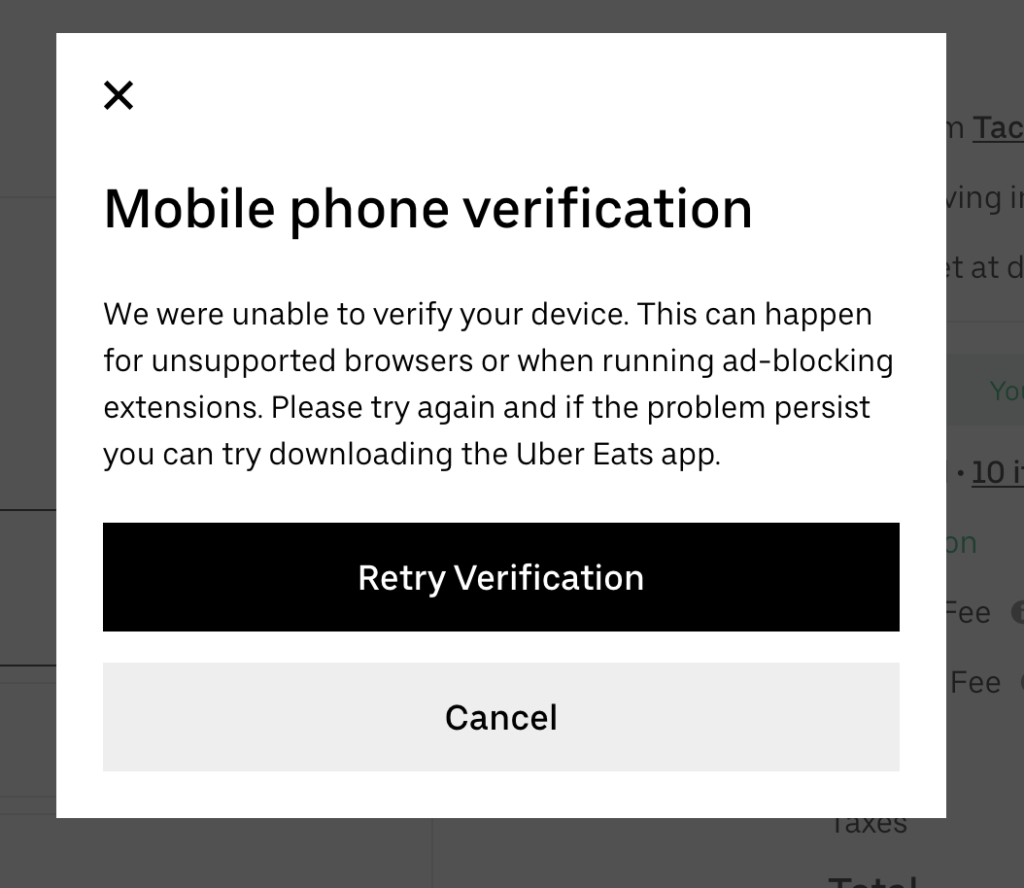
Retry Button, I click that.
………….. Same result
I did not read the heading but saw that it could be because of ad blocking so let’s redo the whole order in an incognito window.
…………………. Same Result.
Ok, maybe it is the browser. I will try Chrome.
…………………. Same Result.
Oh, it says mobile verification. Let me check back through this process and see if I entered my mobile number. No.
No place to contact support.
Now, I am 20 minutes into ordering something that is 5 mins from my house. I am going to download the mobile app just so I can get this food everyone is waiting on and maybe I can file a support ticket to help Uber Eats out.
Download app, go to Taco Bell and choose the Buy One Get One Free item. It is for a box so you have to add all the items and the customizations. I do that, but it only asks me for the mods once, so now I have 2 of the exact same boxes, but I want beef and my wife wants chicken. Order a second Buy One Get One with Chicken. Now I have 4 boxes on my order. I go and delete one of the beef boxes and one of the chicken boxes.
Click send. Order will be ready in 40 minutes. I have already blown my lunch hour, so lets use that time to try and report my original issue.
In the mean time, since I ordered on my phone, I got an email to my work email address about the order. Let me see if I can fix that.
Screen 1 – Enter Email Address
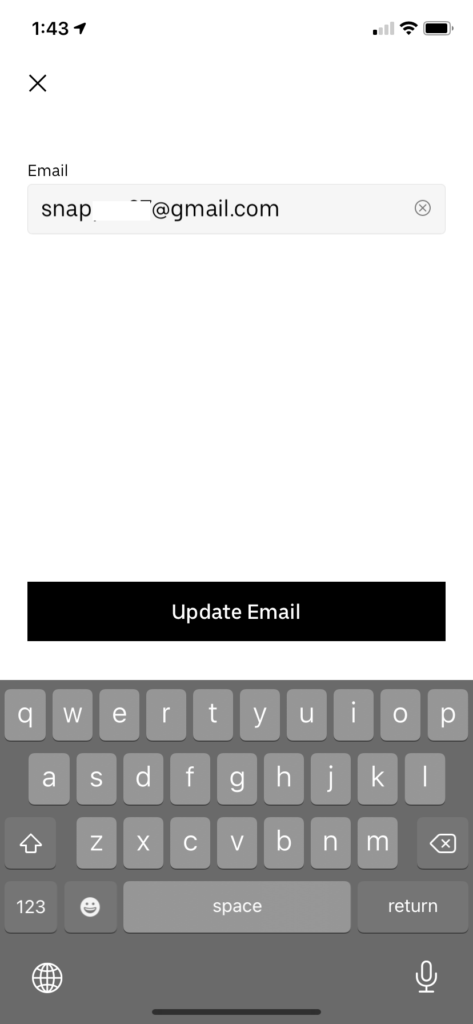
Screen 2 – Enter Code
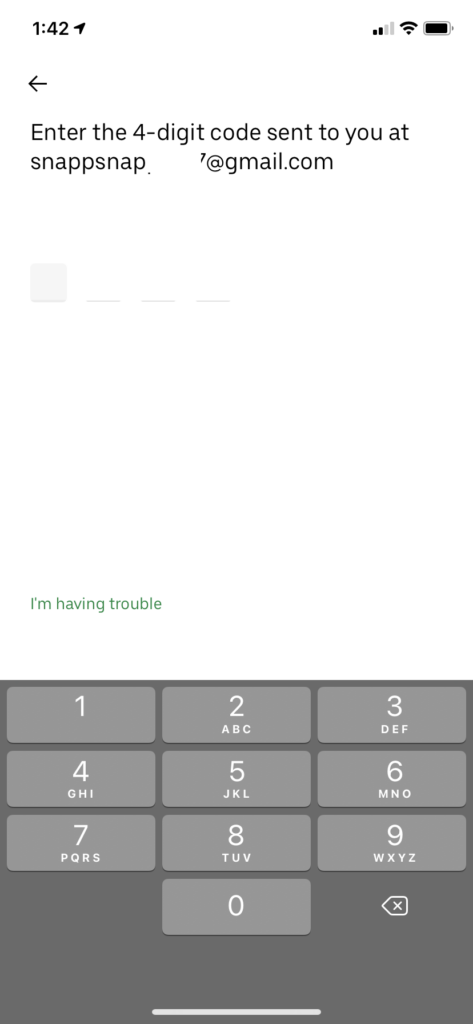
I never get an email because as you can see they added the first characters of my email address back to the front of my email address.
Great, now I can report an issue. I reported that I could not change my email address.
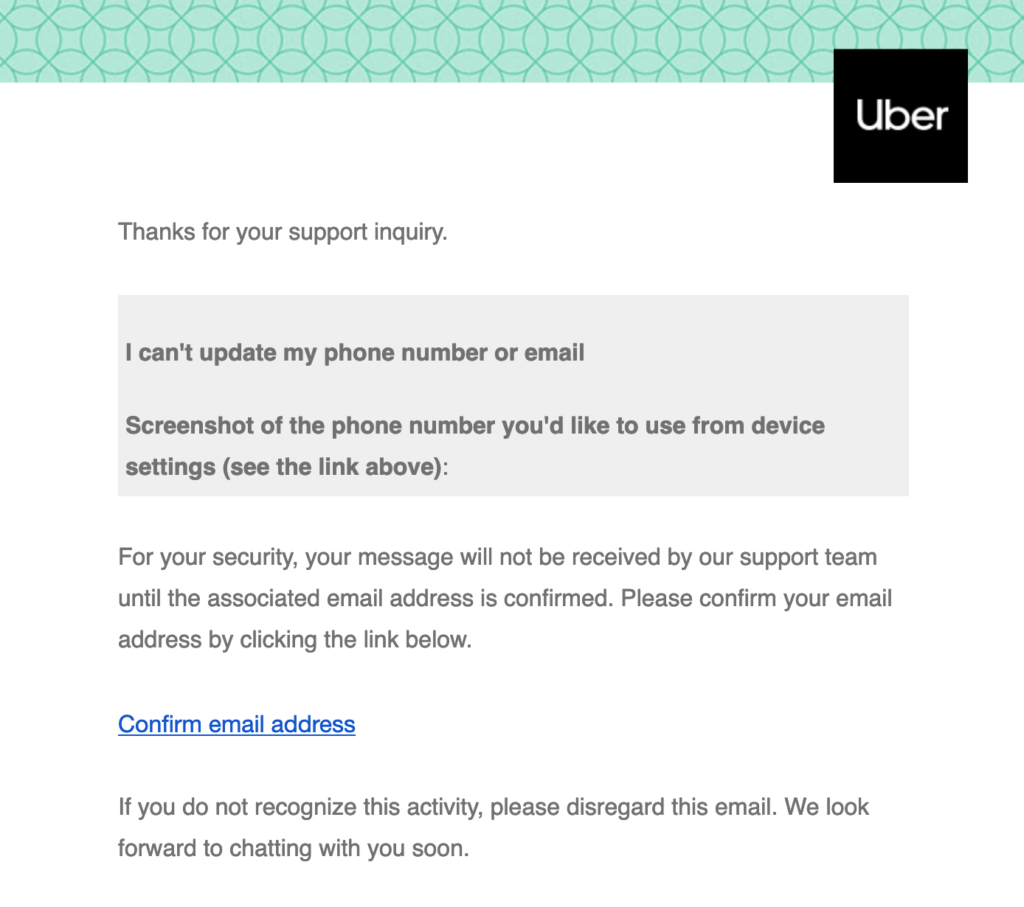
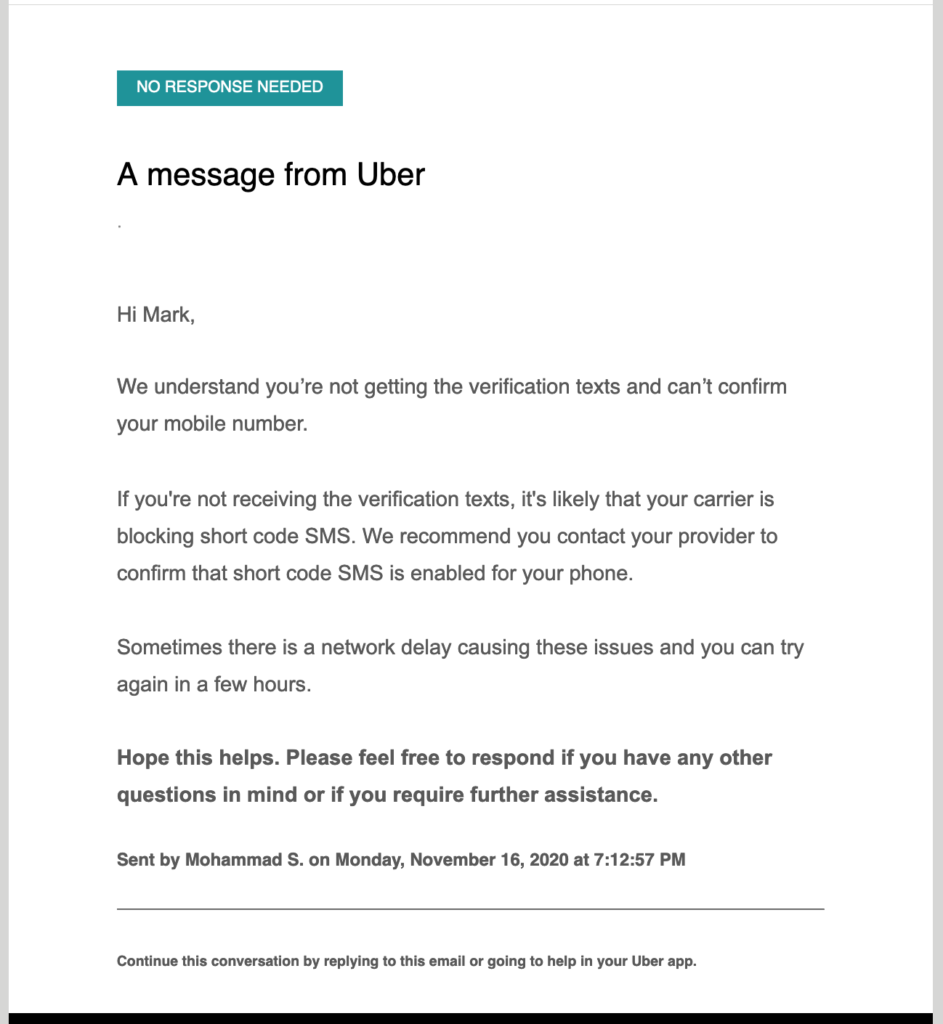
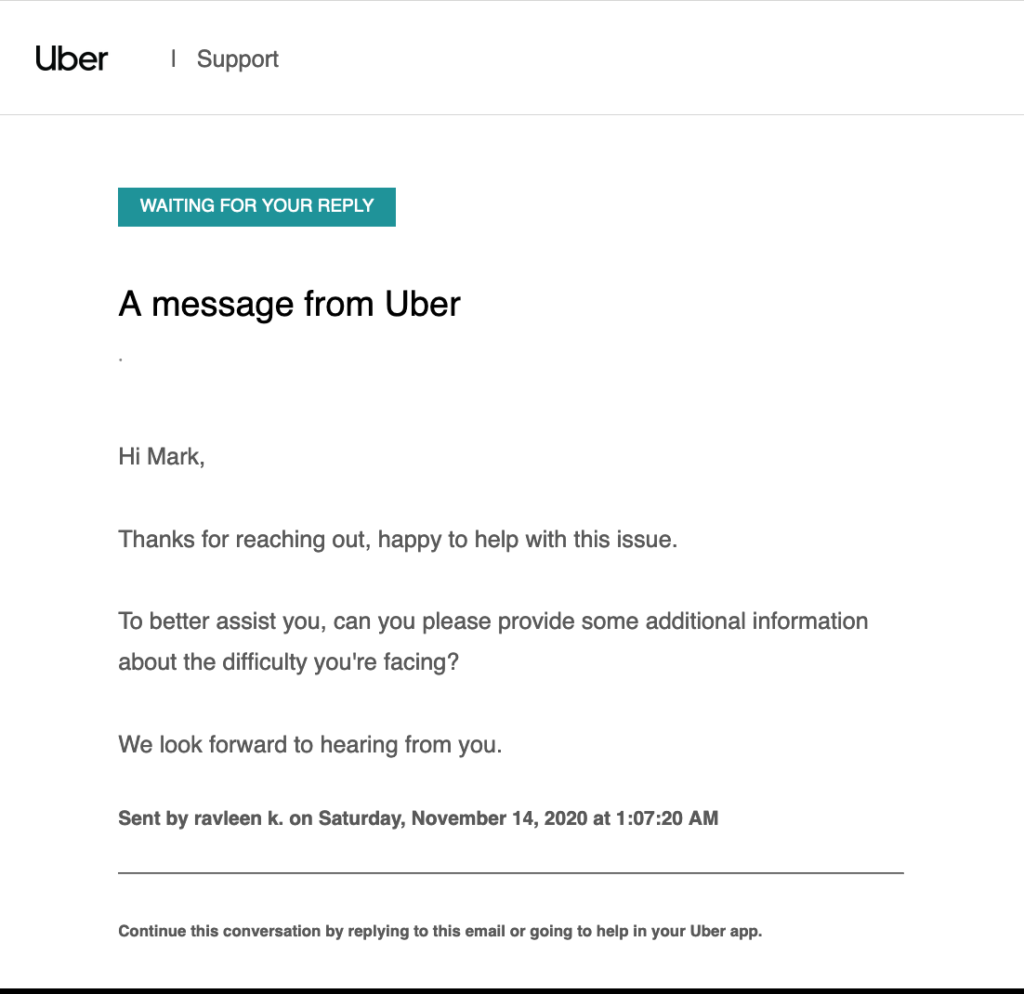
Followed by Response from Uber
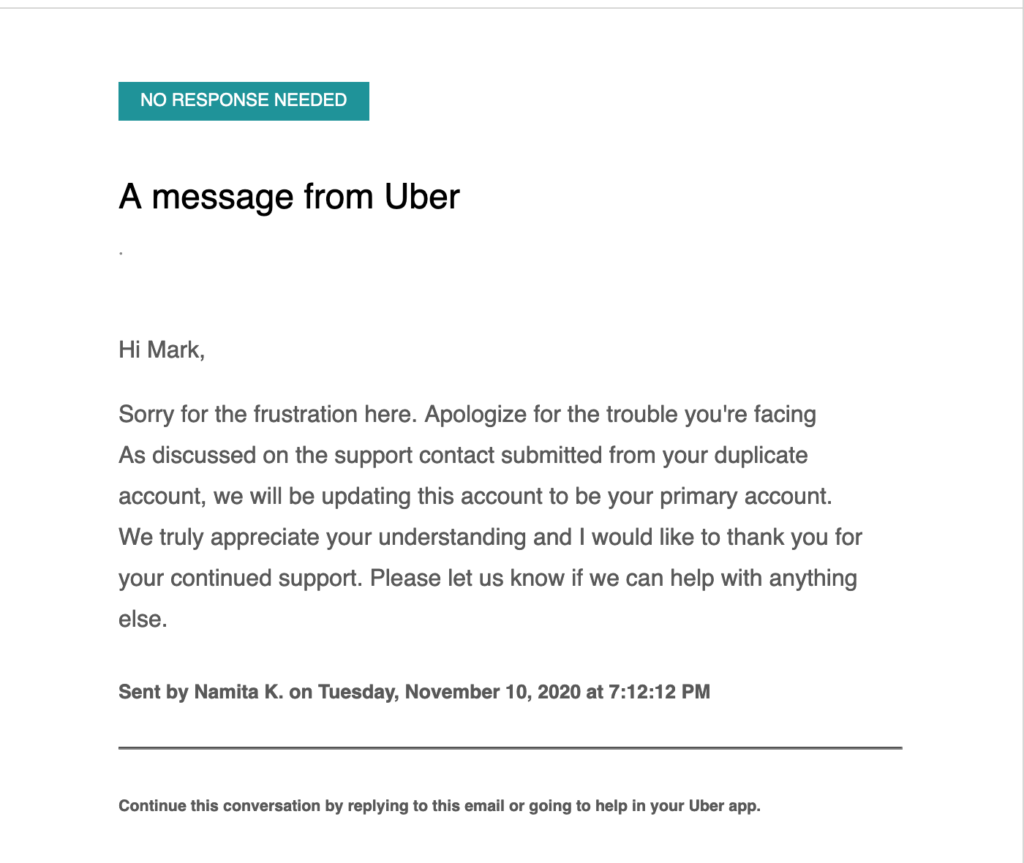
To which I replied with the following and included the previous screenshots:
This support ticket was actually about this issue. I entered my email address on one screen to change it and the next screen shows the wrong email address. As far as i can tell, this never sent a code to the email address.
You should be aware of the other issues I ran into. This seems the only way I can give feedback. I am limiting my feedback to functionality in your web application and not how hard it was to actually build an order in your iphone application.
This all occurred because I tried to use a computer to place my order. After taking the time to complete the order and the checkout I got the message in the third screenshot. I turned off ad blocking and tried again. Same error message. I then tried a different browser and after entering the entire order again, got the same error. Is there no way to check the device before you waste your time entering the order. I only ended up ordering through the phone app hoping I would get a feedback survey, which I have not. After spending 20 minutes placing a Taco Bell order, you succeeded in getting me to download the app, but I will never use it again.
You will also notice that even though I was using a browser, the error message states that it is a mobile phone verification error.
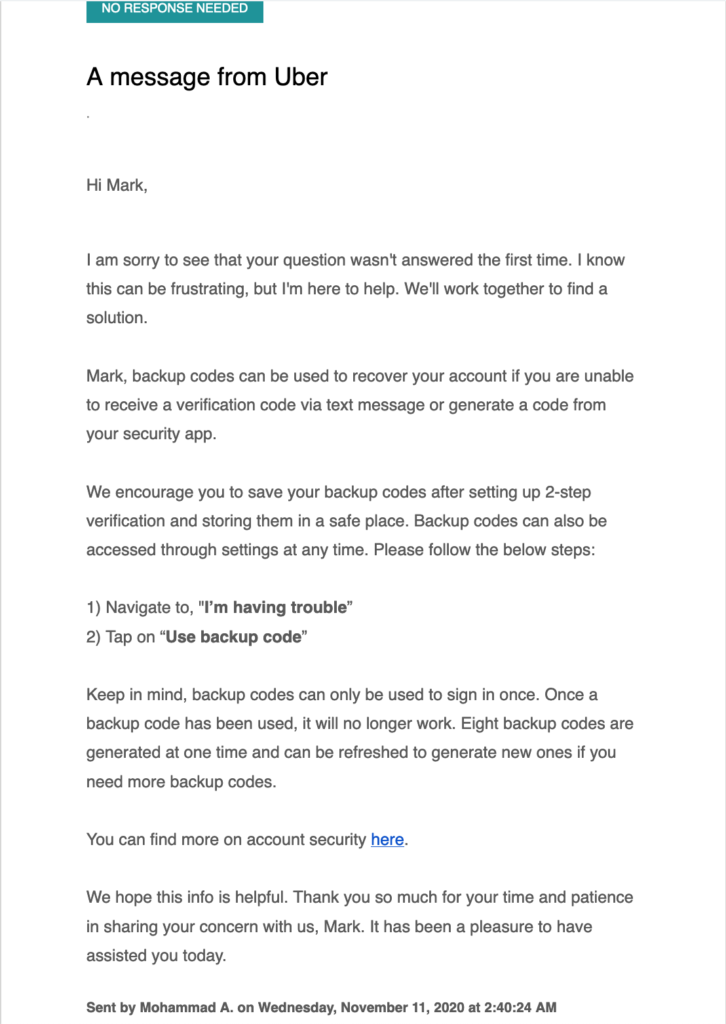
So I replied again
This has nothing to do with my issue. I am a software developer and I am trying to report some specific issues. Your support system and responses, do not make it very easy.
The main issue was an inability to order using a desktop browser. There is now way to report issues on the website, so I reported a different issue through the iOS app.
And got this reply
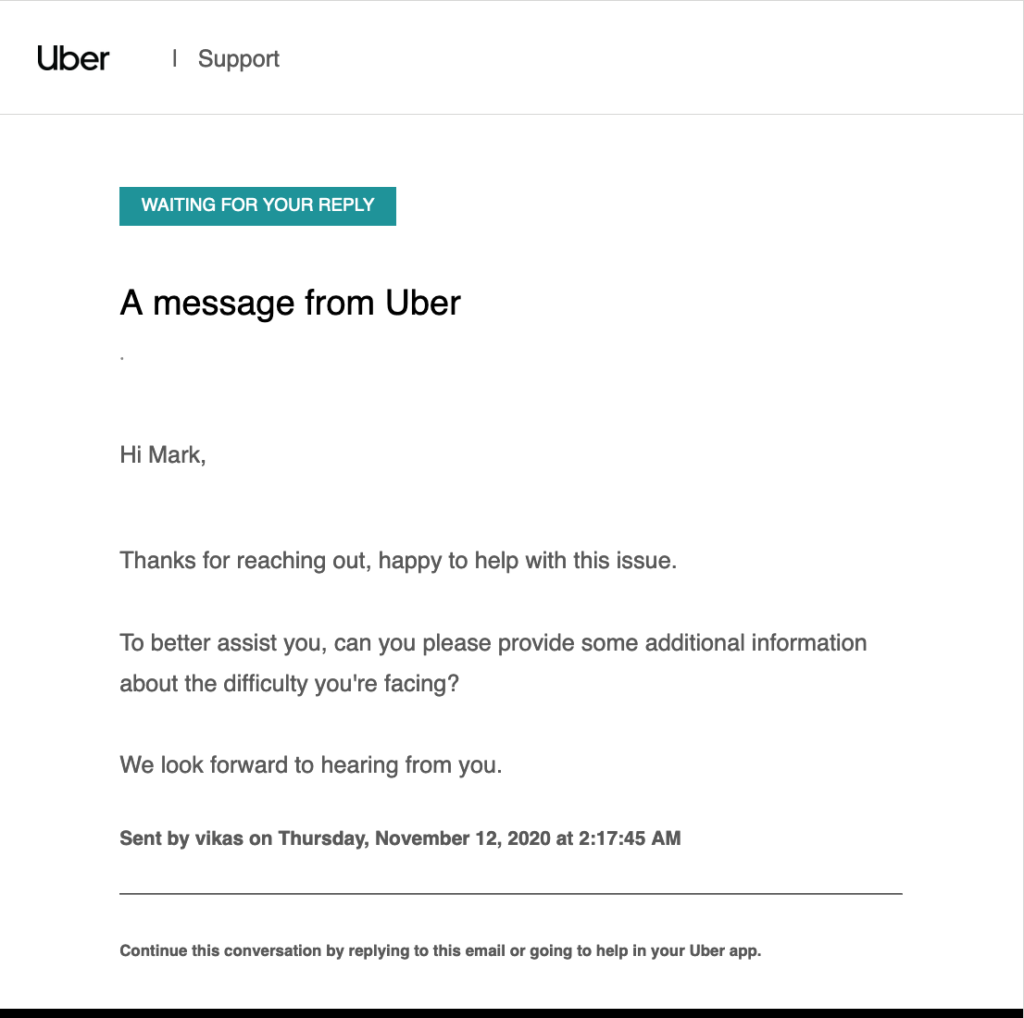
Maybe we are getting to a real person. Let me give some more detail along with the original screenshots. Again.
The initial problem is that using two different browsers, I received the same error message preventing me from placing the order on a desktop browser. Even if the error message is correct, you should not get all through the order before telling the user they can not place it. Also the language of the message is misleading, as it refers to a mobile verification error when I am on a desktop and was not asked for a phone number at any point.
I had to download the mobile phone app to even place the order which had it’s own issues.
I am using a MacBook and a Firefox and Chrome browse
Getting this response
So now I am writing this all down, so I can just reply with:
Update
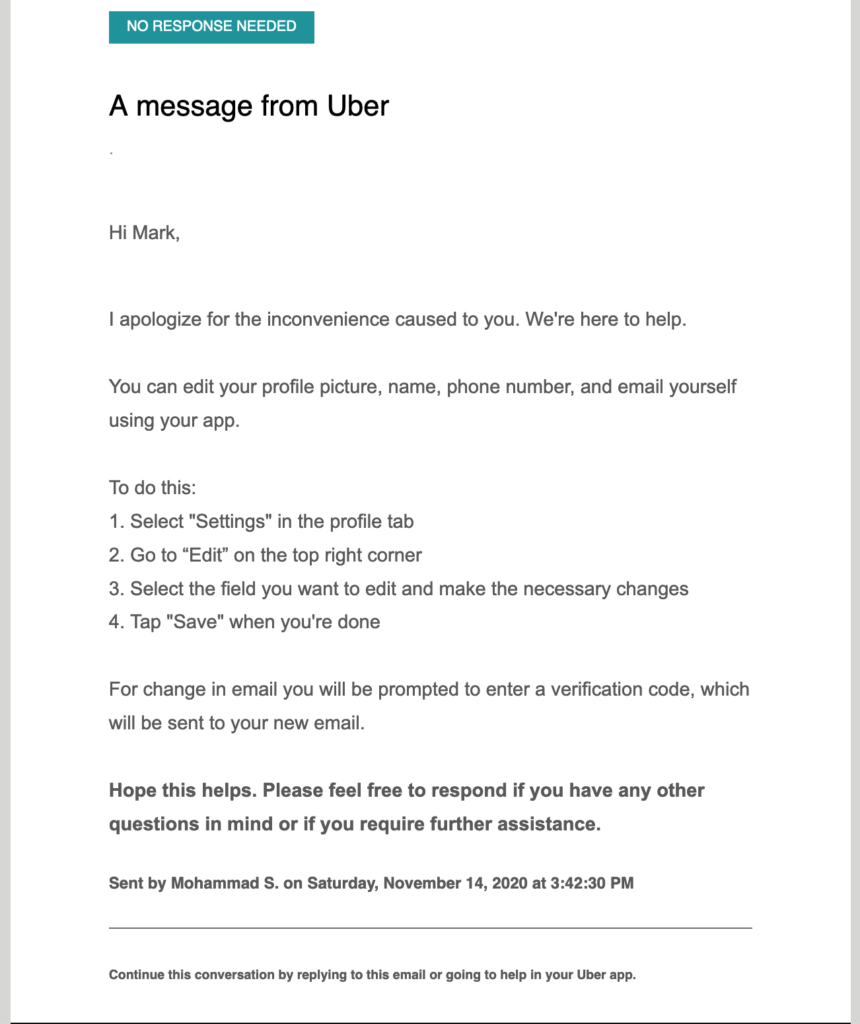
On Nov 14th I received a response telling me how to edit my profile.
November 16th: My Reply
I am just trying to help you guys with an issue that prevents ordering on the website. Ordering is the main function of Uber Eats and I would like to help you resolve this issue. Please stop sending me keyword responses and contact me directly.
November 16th: Uber Eats reply